UDISE+PEN and APAAR: What Your School Office Needs to Keep Ready
A plain-language guide to the student data UDISE+ and APAAR need, how consent works, common gaps that delay uploads, and how to prepare all year round.
By SSMS Team
Also available in:हिन्दीગુજરાતીमराठीਪੰਜਾਬੀবাংলাଓଡ଼ିଆதமிழ்తెలుగుಕನ್ನಡമലയാളംاردوঅসমীয়াनेपालीसंस्कृतम्कोंकणीमैथिलीडोगरीबड़ोমৈতৈলোন্ᱥᱟᱱᱛᱟᱲᱤسنڌيکٲشُرالعربيةFrançaisEspañolDeutschPortuguêsItalianoNederlandsРусскийTürkçeفارسیKiswahiliBahasa IndonesiaBahasa MelayuไทยTiếng Việtසිංහල简体中文日本語한국어

Every year, school offices across India go through the same rush: UDISE+ student data, PEN, and now APAAR IDs. The work itself isn't hard — it's the missing details discovered at the last minute that make it painful. Here is what you need, and how to stay ready.
What these are, briefly
- UDISE+ is the national school information system. Schools submit school-level data and student-level profiles every year.
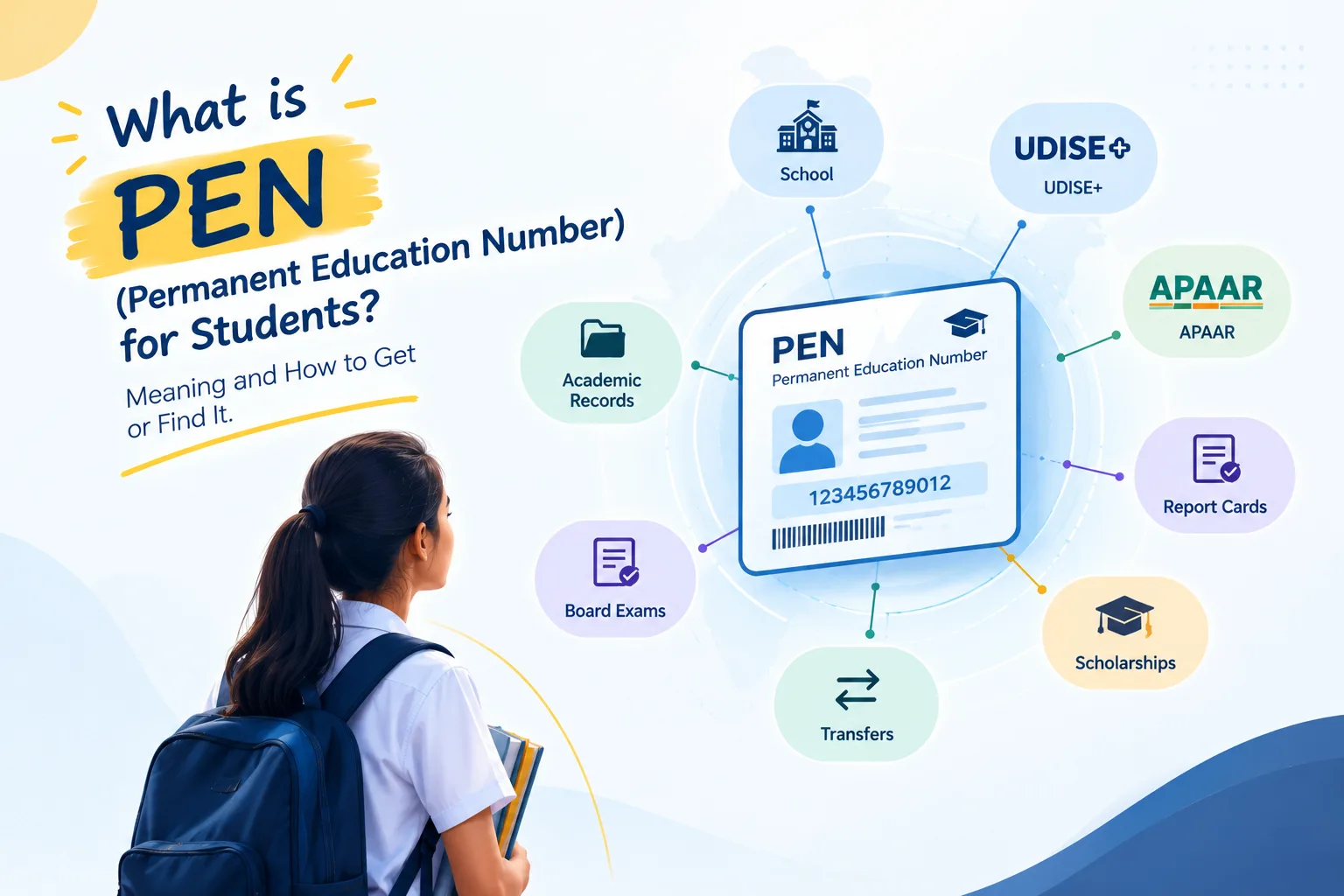
- PEN (Permanent Education Number) is a student identifier generated through UDISE+.
- APAAR (Automated Permanent Academic Account Registry) is a lifelong academic ID for students, generated with parental consent.
Formats and portal procedures change from year to year, so always compare with the current portal template — but the underlying data stays largely the same.
The student data you'll be asked for
Expect to need, for every student: name (and name as per Aadhaar where relevant), gender, date of birth, parents' names, mobile number, social category, mother tongue, address with pincode, class and section, admission number and date, and — for children with special needs — the type of disability. Some returns also need BPL/EWS status and medium of instruction.
The most common gaps
- Mother tongue and social category never captured at admission.
- Names that differ in spelling between school records and Aadhaar.
- Old mobile numbers that no longer work.
- Pincodes missing from addresses typed as free text.
- Disability type not recorded for CWSN students.
APAAR and consent
APAAR generation requires the parent's consent. Keep a proper consent register: given, declined or not yet asked, the date, who recorded it, and the signed form. Declining is a legitimate choice; a student whose parent declines should be recorded as such and not chased, and APAAR should never be made a condition for admission or exams.
How to stay ready all year
- Add the government fields to your admission form so they're captured on day one.
- Run a readiness check each term, class by class, and fix gaps while families are reachable.
- Record APAAR consent as soon as possible after admission.
- Import PEN and APAAR IDs back into your student records when the portal issues them.
- Restrict who can see and export Aadhaar numbers.
SSMS's government returns module does exactly this: readiness by class and student, a consent register, Excel files in the portal layout with an Issues sheet, and import of PEN and APAAR IDs with validation.