Moving Your School Admissions Online: A Step-by-Step Guide
From enquiry capture and counsellor follow-ups to online forms, tests, merit lists and fee payment — how to run admission season online without losing the personal touch.
By SSMS Team
Also available in:हिन्दीગુજરાતીमराठीਪੰਜਾਬੀবাংলাଓଡ଼ିଆதமிழ்తెలుగుಕನ್ನಡമലയാളംاردوঅসমীয়াनेपालीसंस्कृतम्कोंकणीमैथिलीडोगरीबड़ोমৈতৈলোন্ᱥᱟᱱᱛᱟᱲᱤسنڌيکٲشُرالعربيةFrançaisEspañolDeutschPortuguêsItalianoNederlandsРусскийTürkçeفارسیKiswahiliBahasa IndonesiaBahasa MelayuไทยTiếng Việtසිංහල简体中文日本語한국어
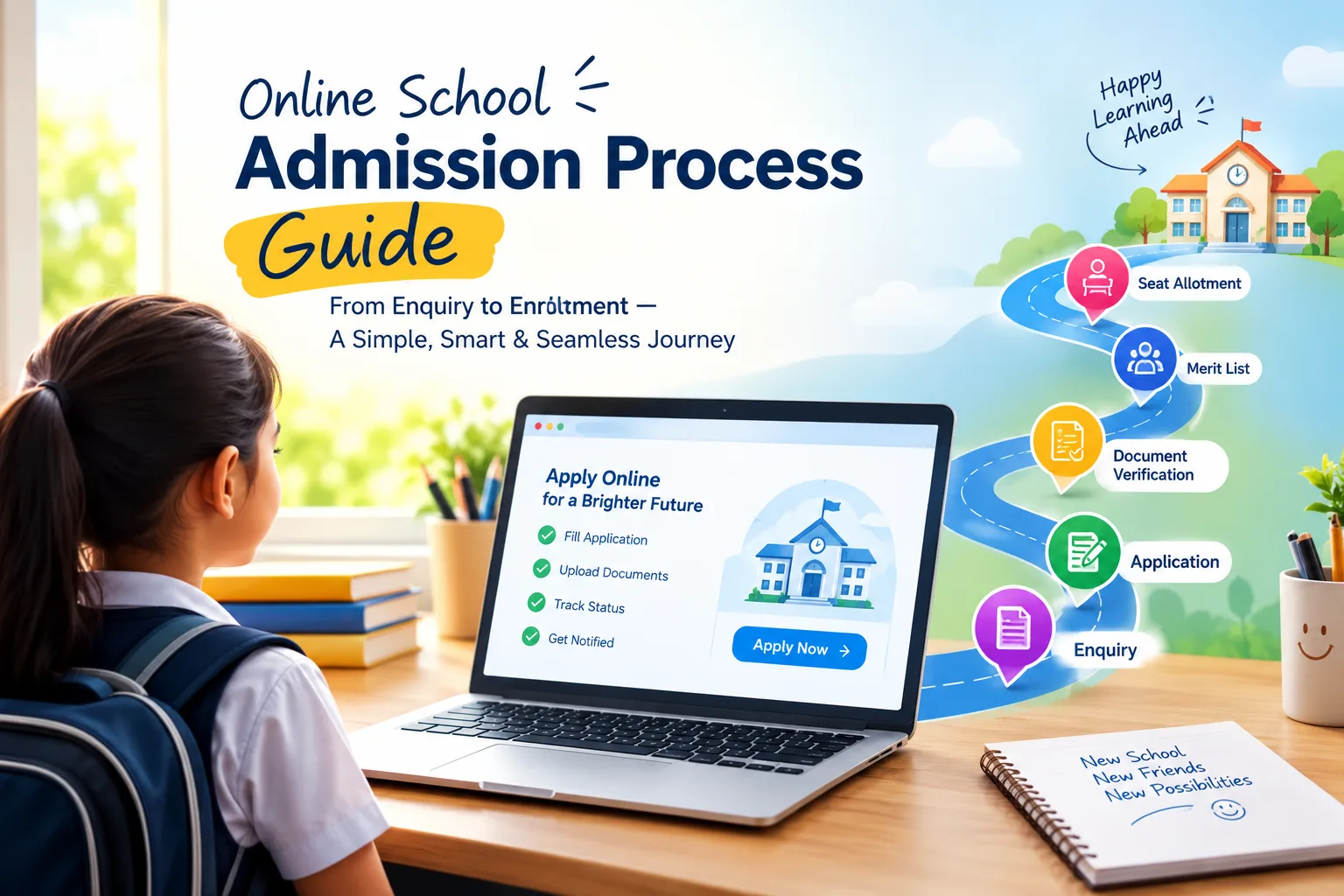
Parents now expect to enquire, apply and pay online. Schools that still rely on printed forms and front-desk queues lose families to the school that answered first. Here is how to move admissions online step by step — while keeping the personal touch that wins admissions.
1. Capture every enquiry in one place
Put an enquiry form on your website and social media, and log walk-ins and calls at the front desk into the same list. Record the source of each enquiry so you know which campaigns work.
2. Assign and follow up quickly
Speed matters: the first school to call back often wins. Assign enquiries to counsellors by rule and give each counsellor a daily follow-up list. Log every call and WhatsApp on the lead's timeline.
3. Offer an online application form
Send the application link by WhatsApp or SMS. Keep the form short, mobile-friendly, and allow document uploads (birth certificate, previous report card, photo). Ask the questions UDISE+ will need later — mother tongue, category — now.
4. Check eligibility automatically
Age on a cut-off date, previous class and board, minimum marks and required documents can all be checked as the application is reviewed, so staff focus on exceptions.
5. Schedule tests and interviews online
Let parents choose a slot, send reminders, and record scores in the system.
6. Publish merit lists against real seats
Seats per class and category, a merit list, offers with the fee to pay, and a wait-list that moves automatically when an offer lapses.
7. Collect the admission fee online and confirm
Once the fee is paid, confirm the admission: the student record and admission number should be created automatically from the application, without retyping.
Keep it personal
Online doesn't mean impersonal. Use the time saved on paperwork for campus visits and conversations with parents. See how SSMS Admissions & Enquiry CRM supports each step.