How to Choose a School ERP in India: A Practical Buyer's Checklist
Twelve questions to ask before you sign — from how fees and exams are configured to data migration, languages, security and the real total cost.
By SSMS Team
Also available in:हिन्दीગુજરાતીमराठीਪੰਜਾਬੀবাংলাଓଡ଼ିଆதமிழ்తెలుగుಕನ್ನಡമലയാളംاردوঅসমীয়াनेपालीसंस्कृतम्कोंकणीमैथिलीडोगरीबड़ोমৈতৈলোন্ᱥᱟᱱᱛᱟᱲᱤسنڌيکٲشُرالعربيةFrançaisEspañolDeutschPortuguêsItalianoNederlandsРусскийTürkçeفارسیKiswahiliBahasa IndonesiaBahasa MelayuไทยTiếng Việtසිංහල简体中文日本語한국어
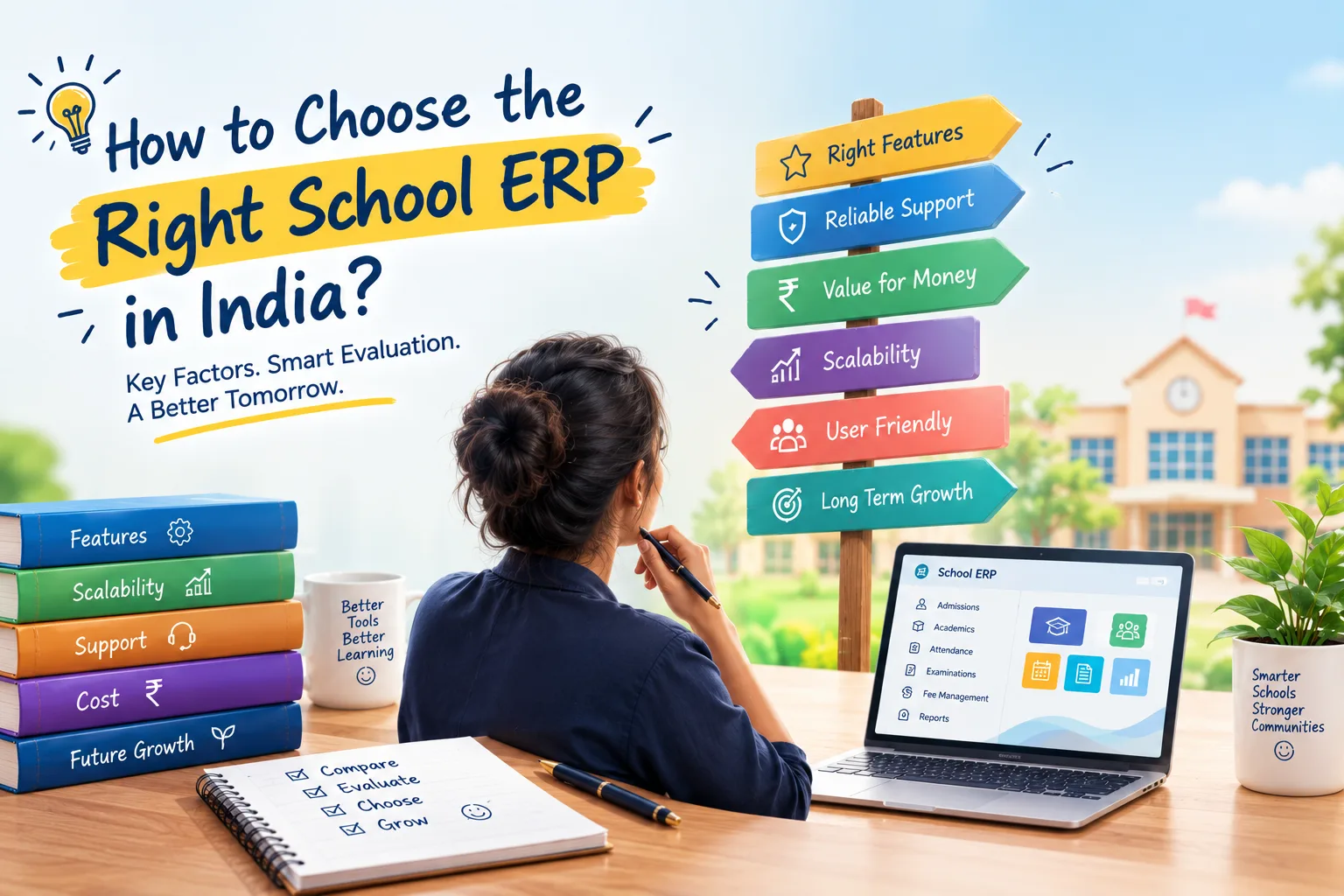
Every school ERP demo looks impressive. The dashboard is colourful, the sales person is confident, and every question gets a "yes, we have that". The real test comes six months later, when your fee rules, your exam scheme and your staff meet the software. This checklist helps you find out before you sign.
1. Can it handle your fee rules without workarounds?
Ask the vendor to set up one of your real fee structures during the demo: different fees for new and existing students, a management-quota amount, quarterly instalments with different due dates, a sibling concession and a late fee with grace days. If they need to "check with the technical team", that's your answer. Look for fee structures stored as rules, automatic due generation that never creates duplicates, and one receipt for siblings.
2. Is your exam scheme configuration or custom code?
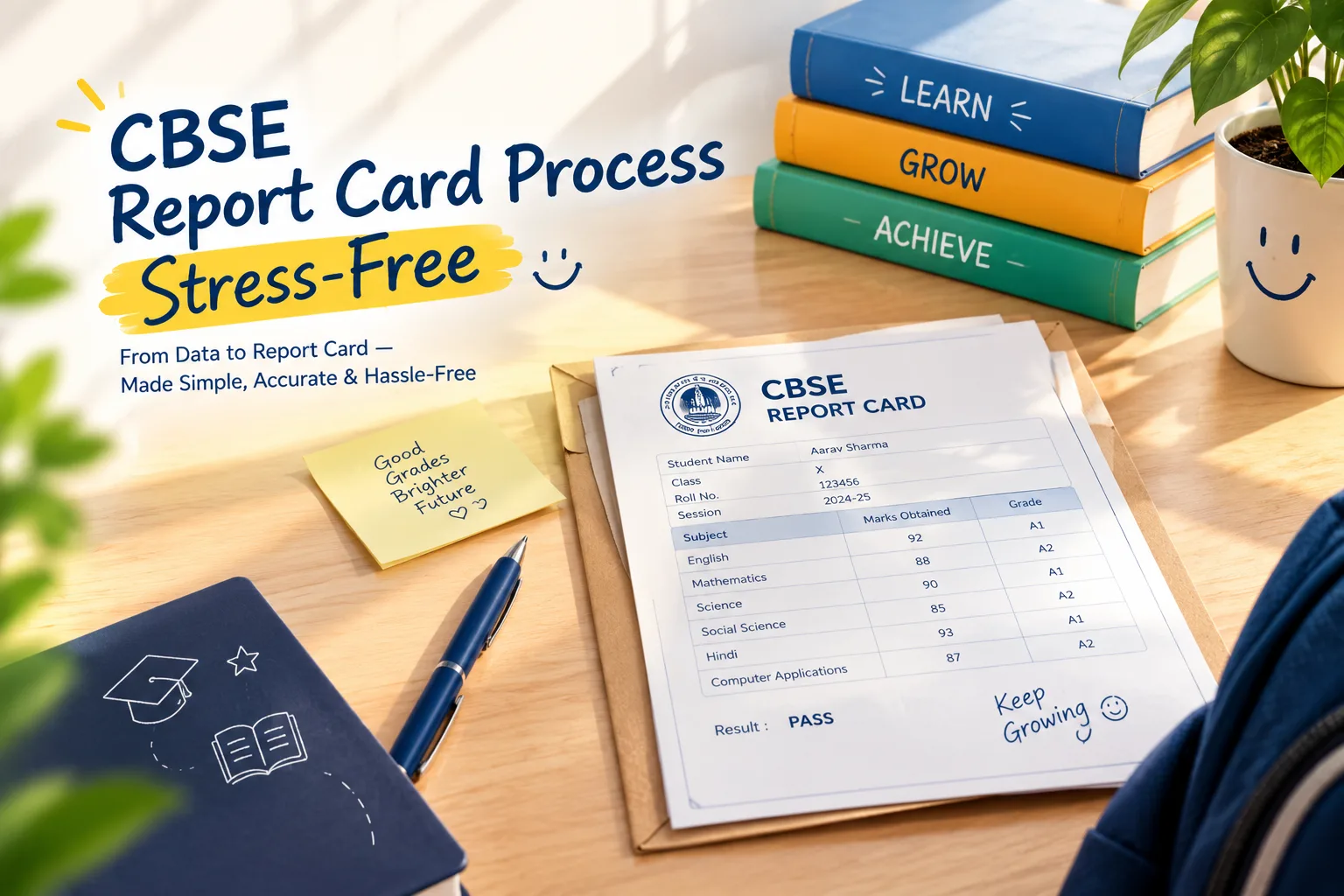
CBSE schools use different patterns for Classes VI–VIII, IX–X and XI–XII. State boards and international curricula differ again. A good ERP stores terms, components, weightage, grading scales, pass rules and grace as settings you can read and change. If every change needs the vendor, report-card week will always be stressful.
3. Does it keep one record per child?
Ask what happens when a child moves to another branch, leaves with a TC and returns, or has a sibling. Software that copies student data into separate modules will drift. You want one permanent identity with admissions, enrolments and history attached.
4. Will your staff actually use it — in their language?
The fee clerk, the gate keeper and the hostel warden decide whether the system succeeds. If they are more comfortable in Hindi, Gujarati or Marathi, an English-only interface pushes them back to paper. Check that every screen — not just a few labels — is translated, and that each user can choose.
5. What do parents get?
Parents judge your school by what reaches their phone: attendance alerts, fee reminders with a pay link, report cards, notices in their language, bus alerts. Ask to see the parent experience on a phone, not a laptop.
6. How is online payment verified?
A surprising number of systems create a receipt when the browser returns from the gateway — which leads to receipts for failed payments and missing receipts for successful ones. Ask whether receipts are created only after the server verifies the payment with the gateway, and whose gateway account the money goes to (it should be yours).
7. Does fee collection reach the books?
If your accountant re-types daily collection into Tally, you are paying twice. Look for automatic postings from fees, payroll and purchases, bank reconciliation, and Tally export for your auditor.
8. How will your data come across?
Ask exactly how existing students, parents, staff and outstanding dues are imported, who does it, and how errors are reported. A staged import with validation, duplicate detection and a preview is far safer than a one-shot upload.
9. What about compliance?
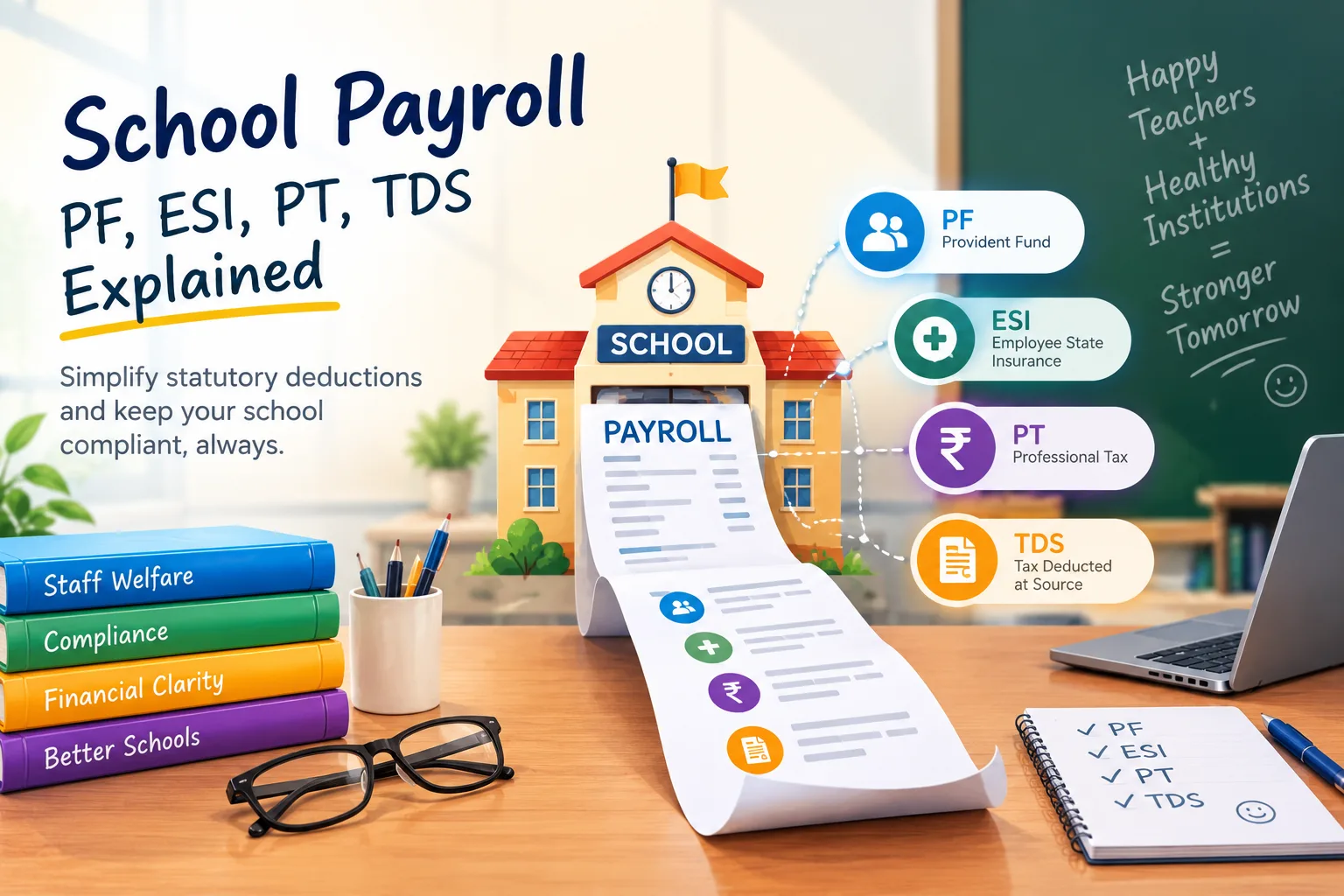
UDISE+, APAAR and board registration files come round every year. Payroll needs PF, ESI, professional tax and TDS by state rules. Ask how the software helps with each — and how quickly it is updated when formats change.
10. Who can see what, and who changed what?
Children's data is sensitive. You need role-based access with data scope (teachers see their sections, parents their children), masking of Aadhaar and similar identifiers, two-step sign-in and an audit trail of important changes. Ask where the data is hosted and how backups are tested.
11. Can you start small and grow?
You may not need payroll or the hostel module today. Choose a vendor whose editions run on the same platform, so upgrading switches modules on without migrating data.
12. What is the real total cost?
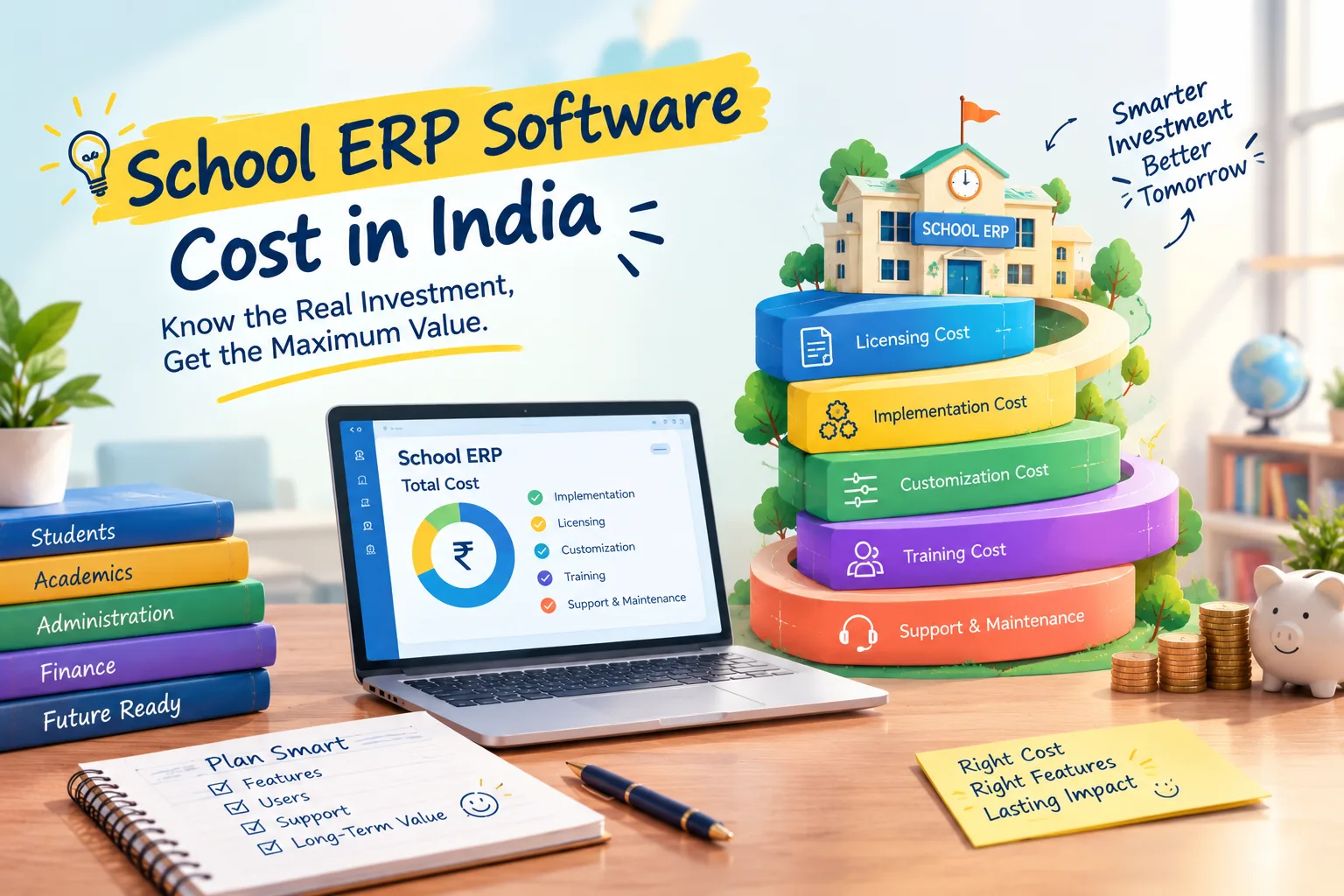
Compare the full picture over three years: subscription, per-student charges, setup, migration, training, SMS and WhatsApp, payment gateway fees, and the staff time saved. A cheaper product that needs an extra clerk is not cheaper.
A simple way to decide
Shortlist two or three systems, then ask each for a trial on your own data — one real fee structure, one class's marks, one week of attendance. The right choice is usually obvious after that. SSMS offers a free trial with every module switched on, and our team will set up your fee structure for the evaluation.