
A Stress-Free Report Card Process for CBSE Schools
How to move report-card week from all-nighters to a calm, checked process: schemes as rules, locked marks, two-person verification, approvals and private links to parents.
SSMS Team निमुखा
बेयावबो मोननो हागौ:Englishहिन्दीગુજરાતીमराठीਪੰਜਾਬੀবাংলাଓଡ଼ିଆதமிழ்తెలుగుಕನ್ನಡമലയാളംاردوঅসমীয়াनेपालीसंस्कृतम्कोंकणीमैथिलीडोगरीমৈতৈলোন্ᱥᱟᱱᱛᱟᱲᱤسنڌيکٲشُرالعربيةFrançaisEspañolDeutschPortuguêsItalianoNederlandsРусскийTürkçeفارسیKiswahiliBahasa IndonesiaBahasa MelayuไทยTiếng Việtසිංහල简体中文日本語한국어
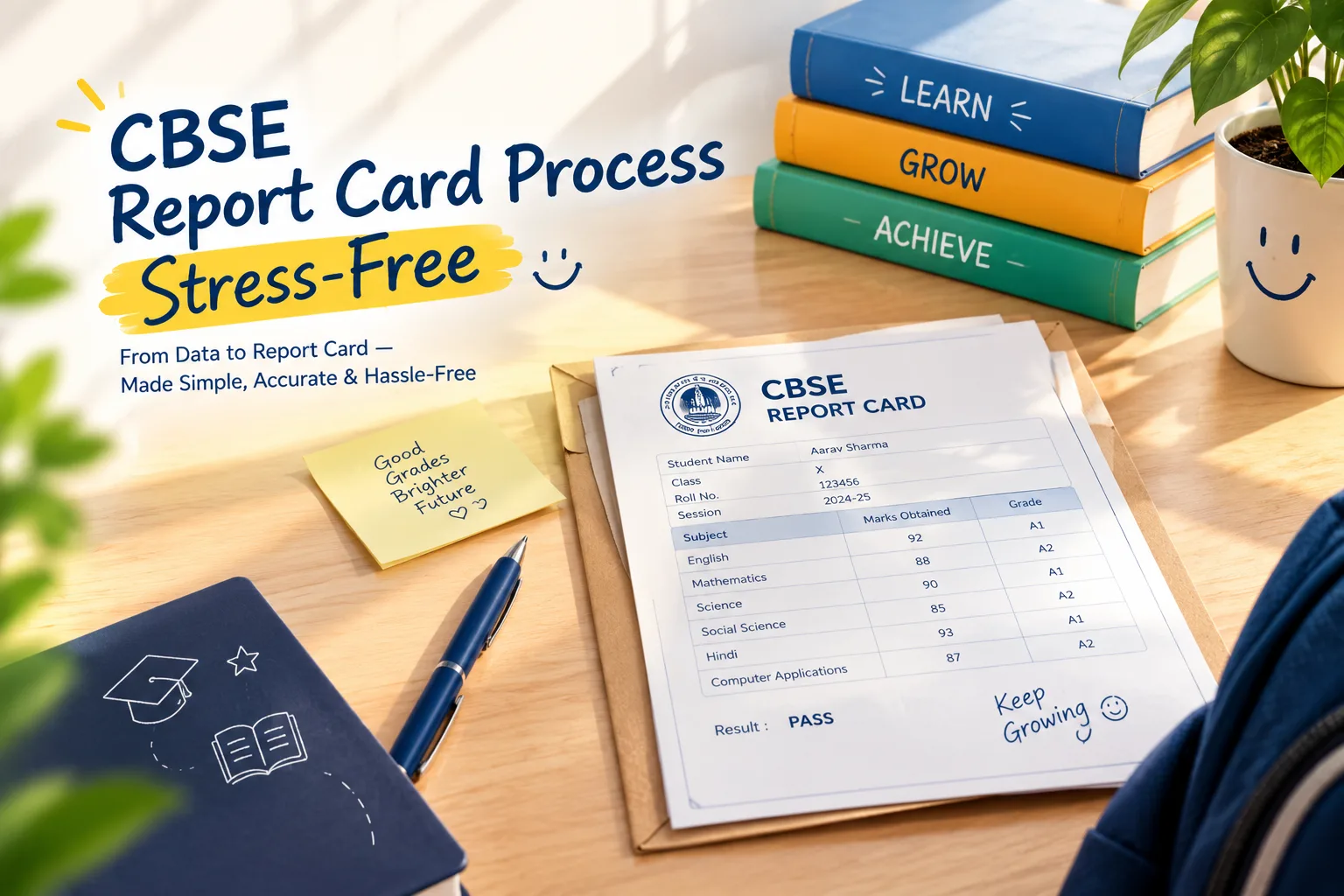
Report-card week is the most stressful week of the term for many schools — teachers chasing marks, an exam cell fighting a workbook full of formulas, and a principal signing hundreds of cards at midnight. It doesn't have to be. The fix is a process where each step is checked once, by the right person, and nothing is typed twice.
Step 1: Write the scheme down as rules
Before the term starts, write the assessment scheme for each class as rules: terms and their weightage, components (periodic tests, notebook, enrichment, half-yearly, practical) with maximum marks and how they combine (sum, average, best two of three), the grading scale, pass rules for theory and practical, and grace limits. In SSMS this lives in the assessment scheme, so the calculation is the same every time.
Step 2: Enter marks where they are taught
Subject teachers enter marks for the sections they teach — totals or question by question — with codes for absent, medical and exempt. No Excel files emailed to the exam cell.
Step 3: Verify with a second person, then lock
A second teacher or the coordinator verifies each mark sheet against the answer scripts. Once verified, the sheet is locked. Unlocking needs a reason and is recorded.
Step 4: Calculate from locked marks only
Results are calculated only from locked sheets. Any student with a missing component appears as "incomplete" instead of getting a silently wrong total. Moderation and grace are applied by rule.
Step 5: Class teacher verification, principal approval
The class teacher reviews the cards for their section and adds remarks — drafting them with AI from each child's results is a big time-saver, as long as the teacher edits them. The principal then approves, with the stored signature applied.
Step 6: Publish to parents as private links
Each parent receives a private link by SMS. No printing queue, no lost cards. If fee blocking is part of your policy, cards for students with dues can be held with the reason recorded.
Step 7: Correct with versions, not edits
If a mark was wrong, correct it, recalculate, and publish a new version. The old link stops working and the parent is told there's an updated card. History is kept.
That's the whole process behind SSMS Results & Report Cards.